Draw it.Your gamealready has it.
A pixel art editor that opens your .aseprite files and stays wired to your running Godot game. Every stroke lands where it will be played.
Draw here, see it in the game.
Your running Godot game picks up each stroke the moment you lift the pen.
Live Link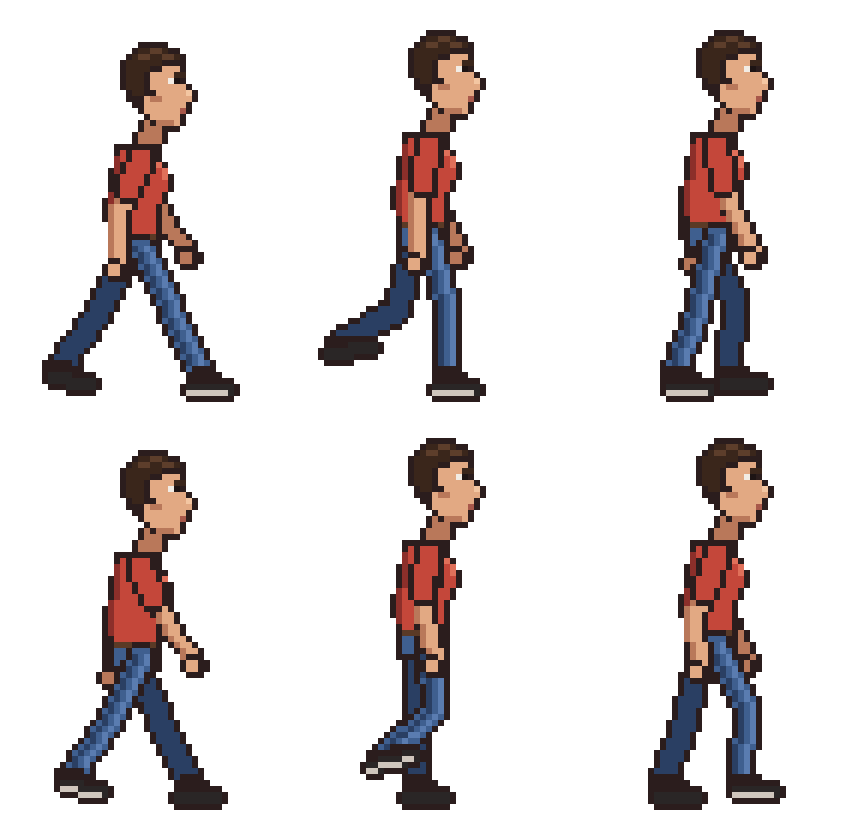
Open what you already have.
Layers, tags, slices and tilemaps come in and go out untouched. Aseprite scripts run too.
Aseprite files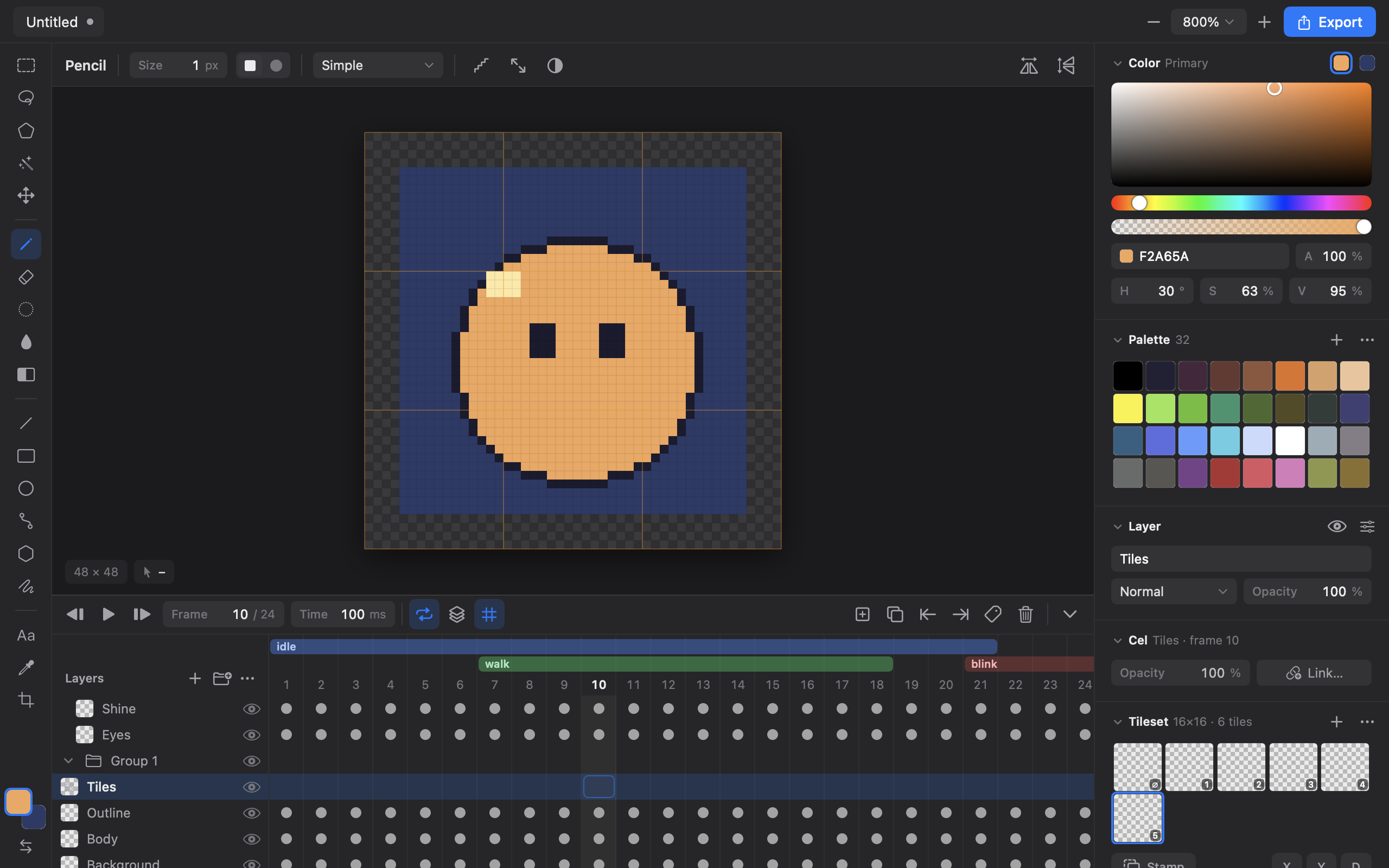
One export, stable forever.
SpriteFrames and TileSets with ids that survive every re-export.
Godot 4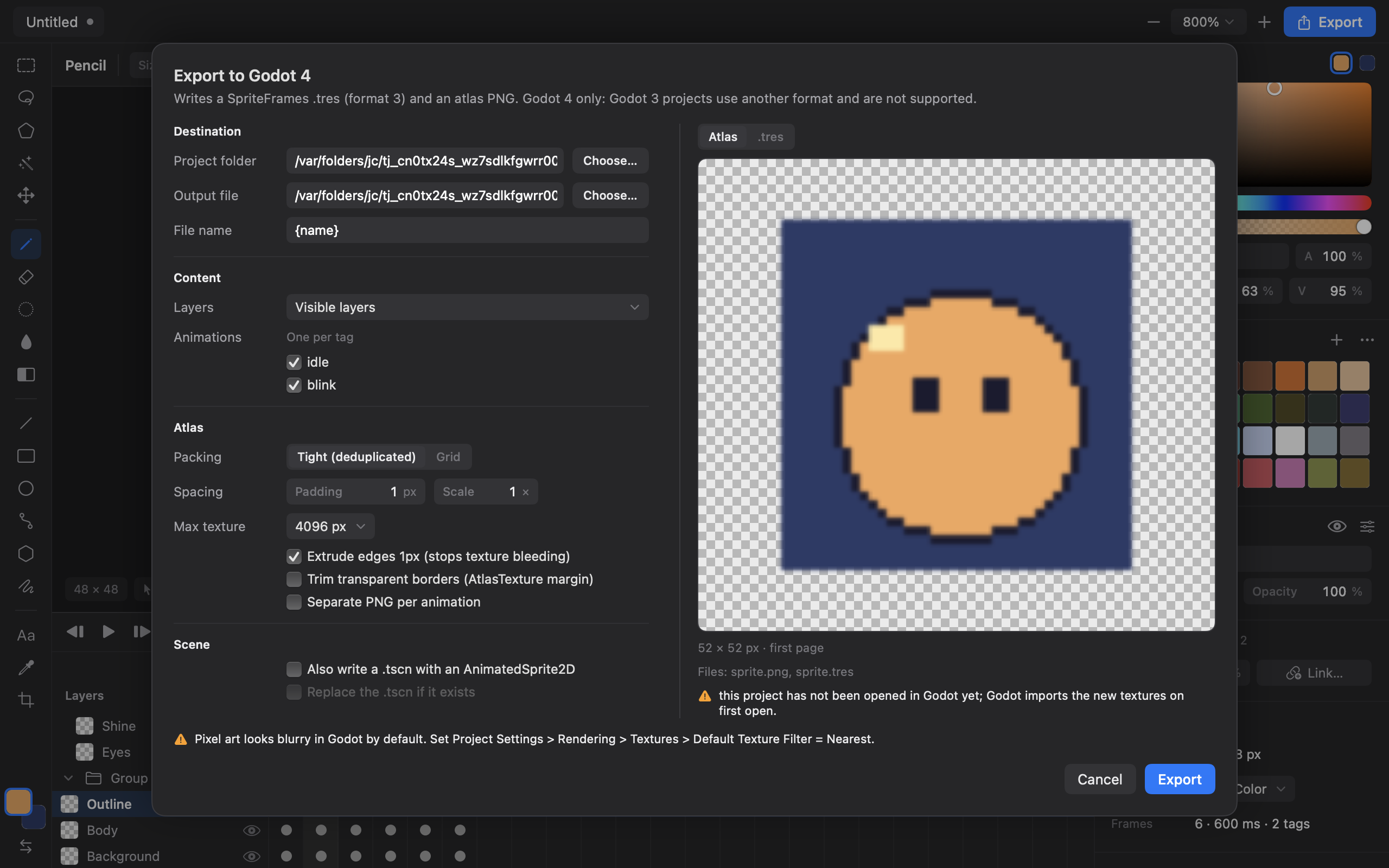
Pixel-perfect tools
Pencil, shapes, shading ink, symmetry.
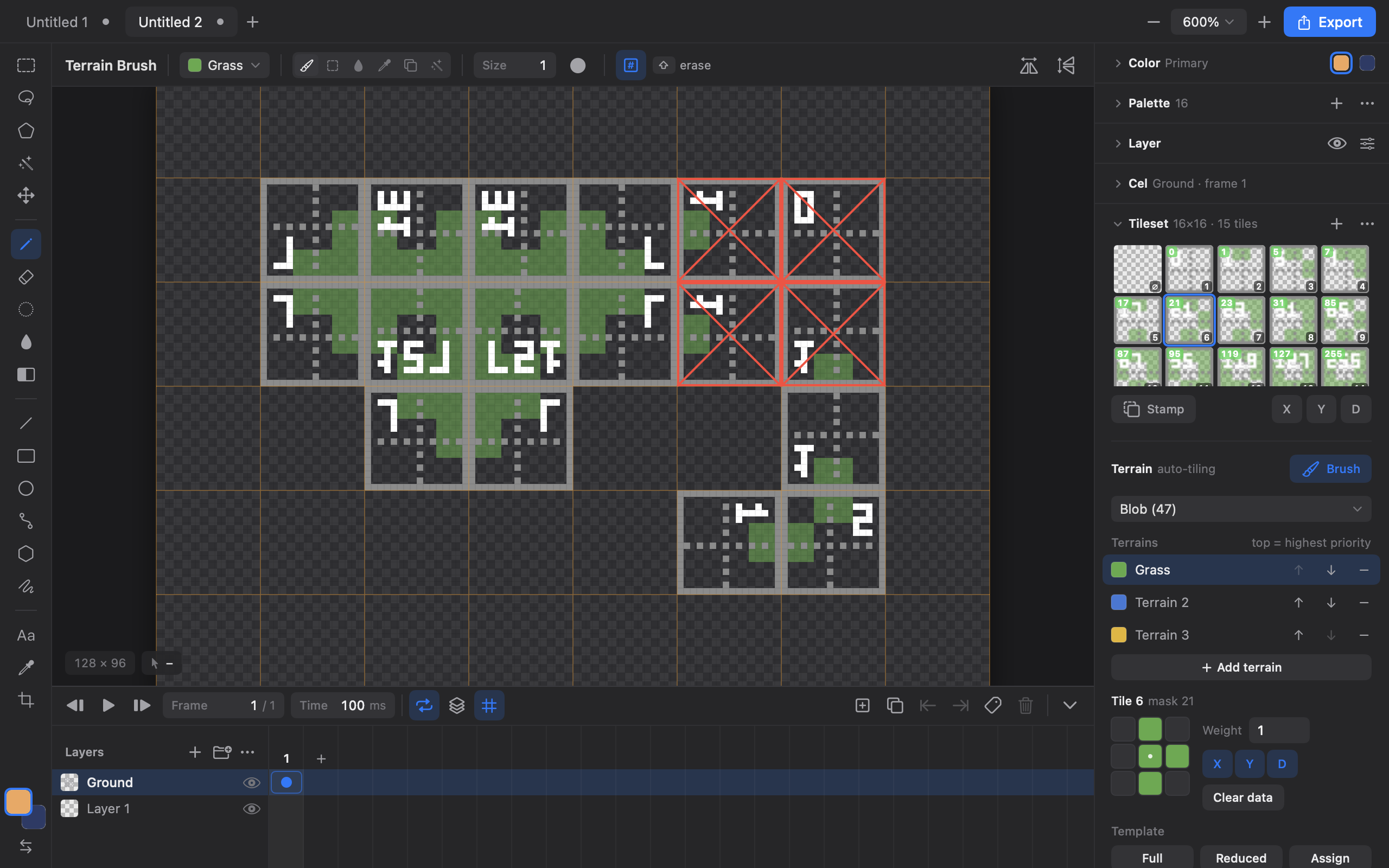
Tilemaps & isometric
Auto-tiling terrain, diamond grid.
Lua, Aseprite-style
Color, Image, Sprite, app.command.
Palettes & indexed
Ramps, presets, indexed and grayscale.
Recolor the fighter. Watch the fight.
This is Live Link in your browser. Change a color in the editor and the battle on the right carries on with it, the way Pixmith updates your running Godot game.
Pick a color, then click any part of the fighter: every frame of every move changes.
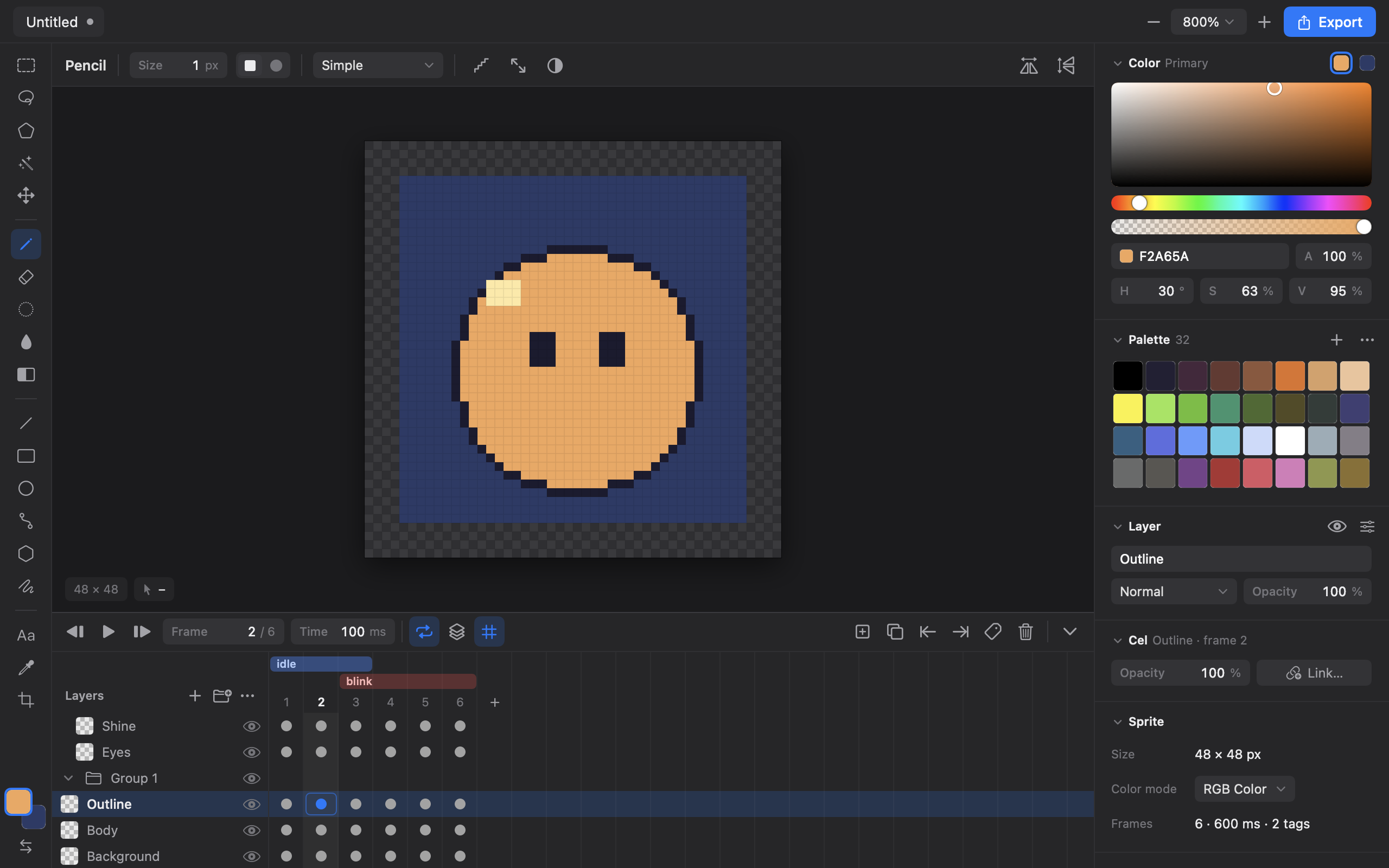
A complete editor, made for game art.
Animation timeline, tilemaps, palettes, filters and exports in one window, the same on macOS, Windows and Linux.
Installing the beta
Pixmith is not code-signed yet, so your system may ask once before it opens.
Windows: “Windows protected your PC”
Click More info, then Run anyway. The installer is built from the public source on GitHub; the warning only means it has no paid signature yet.
macOS: “cannot verify Pixmith”
Drag Pixmith to Applications and open it once. Then open System Settings → Privacy & Security and click Open Anyway.
Linux
Unpack the archive and run ./Pixmith. Linux support is best effort during the beta.
Found a bug or have an idea?
Open an issue on GitHub. Every report shapes the beta.